Troubleshooting
Sign-in, sync issues, drafts, and getting unstuck.
Work through these in order:
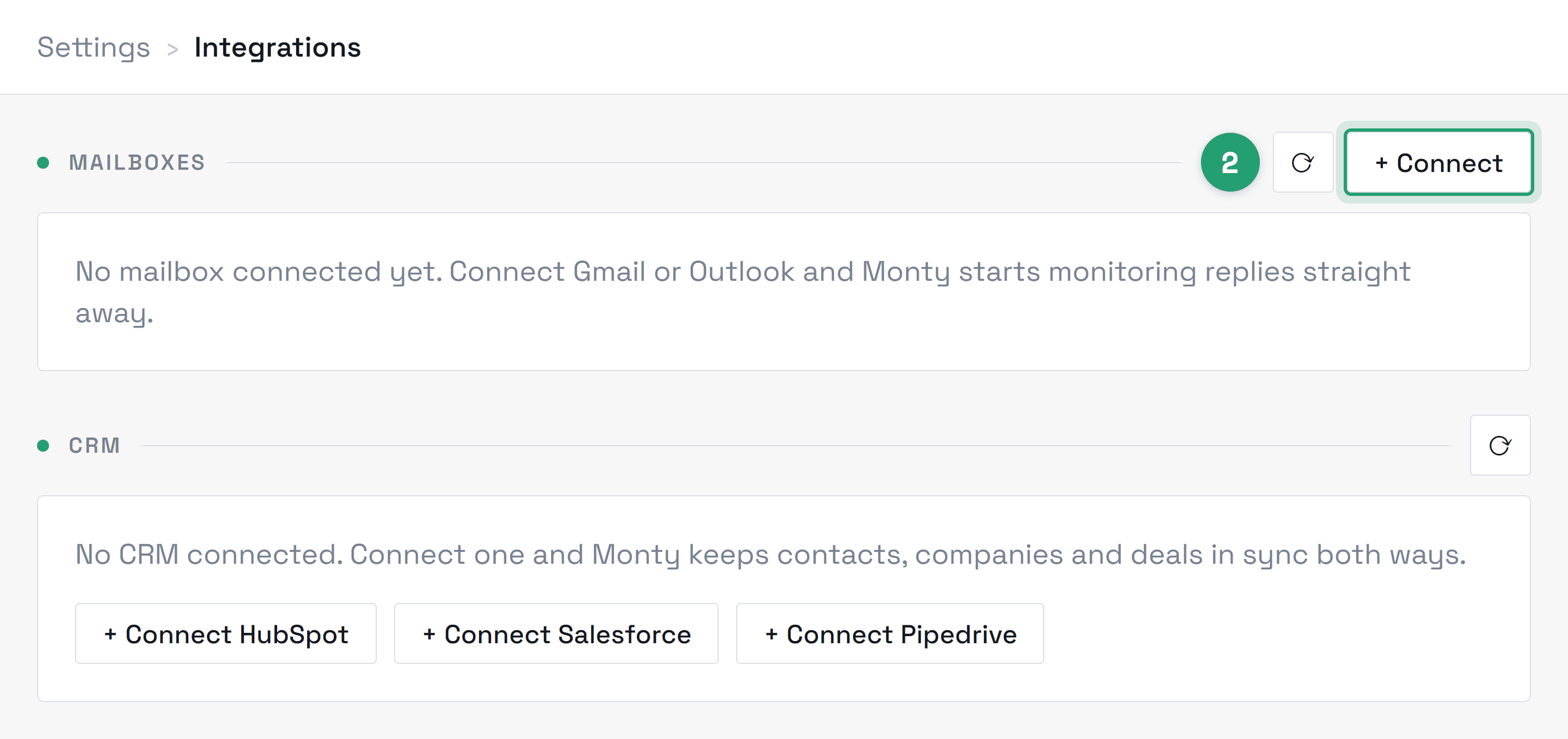
- 1Open Settings → Integrations. If the mailbox shows “Sign-in expired”, the OAuth token expired or was revoked — password changes and admin policy changes both revoke tokens. Reconnect and polling resumes within a couple of minutes. Mail that arrived while the connection was down isn't back-filled automatically, so tell us if you need it and we'll pull it in.
- 2If it shows connected but drafts aren't appearing, check whether the emails you're expecting actually match your lead criteria — Monty only drafts for messages it identifies as lead conversations.
- 3Still stuck? Email hello@montyai.co with your workspace name and one example email's subject and time, and we'll trace where it stopped.
After an upload, Monty signs in to every inbox and shows one line per row. Green means it works. Red means it could not sign in, and the line says why. Here is what each reason means and what to change. Whatever the fix, re-uploading the same file updates the rows in place — nothing is duplicated and no extra mailbox slots are used.
- 1“Could not reach the IMAP server at …” or “… the SMTP server at …” — the server name or port in your file is wrong, or is a template placeholder such as imap.example.com. Google inboxes need no server columns at all; delete them and Monty fills in the real ones. For any other provider, copy the IMAP and SMTP server names from their settings page.
- 2“Google rejected the sign-in” — the password in the file is the account password, or an app password that has been revoked, or 2-Step Verification is off for that account. Generate a fresh app password (linked below) and put it in the file.
- 3“Google only accepts a 16-letter app password here” — shown in the preview before anything is imported. The password column holds something that is not an app password. Same fix.
- 4“The server refused IMAP” — IMAP is switched off for that account. A Google Workspace admin turns it on under Apps → Google Workspace → Gmail → End User Access → Enable IMAP for all users. For bought inboxes, the admin is the provider.
- 5“… is on Microsoft 365” — Microsoft no longer accepts passwords from tools like Monty. Close the upload and use Connect → Microsoft for each inbox, or Connect your whole team for one admin approval.
- 6“Your plan allows N mailboxes and this workspace has N” — the plan's mailbox count is full. A mailbox that could not sign in still holds its slot until you remove it; delete the red ones from the list and upload again, or add mailbox slots in Billing.
- 7“The server did not answer in time” — try the upload again in a minute. If the same rows time out twice, the server name is probably wrong.
Download failed rows gives you a small file of just the addresses that need fixing, with the reason beside each. Fix those in your provider's file, then upload only the fixed rows.
Most sign-in problems clear with one of these:
- 1If you created your account with email and password, sign in that way instead. Accounts created with Google sign in with Google (or set a password via “Forgot password”).
- 2If you see “sign-in isn't available yet”, that provider isn't switched on for your environment. Use another sign-in method and tell us — that one is on us, not you.
- 3Stuck on an error page or a loop? Retry once in case the provider was briefly unavailable, then email hello@montyai.co from the address you're trying to sign in with, include a screenshot, and we'll unblock you — usually same day.
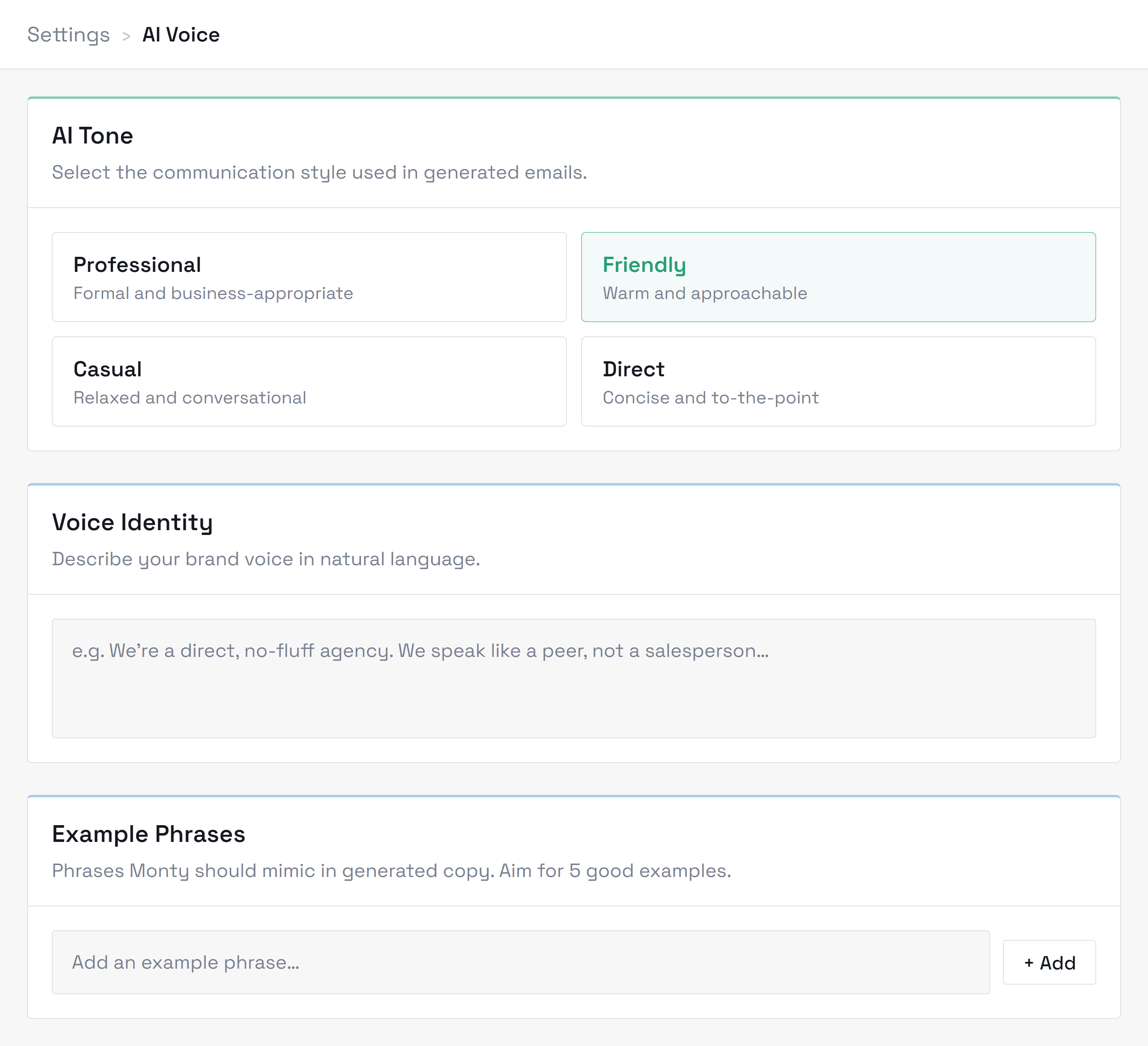
Edit it before approving — that's the fix, not a workaround. Every edit is a training signal: your recent corrections are fed back into the next drafts, so phrasing you keep changing fades out. If drafts are consistently off (wrong formality, wrong length, signs off wrong), recalibrate in Settings → Voice, where you can state preferences explicitly instead of teaching by edits. Voice settles as your corrections accumulate — most people see drafts stop needing edits after their first batches of corrections; if yours doesn't, tell support — that's a bug to us, not a preference.
Three usual causes, in order of likelihood:
- 1The lead replied — any reply cancels scheduled follow-ups on that thread.
- 2The lead is on your do-not-contact list — check Settings → Do not contact.
- 3The follow-up hit your cadence cap or fell outside your sending hours, and is queued for the next window — check your campaign's sending settings.
Each lead's activity feed shows scheduled, sent, and cancelled follow-ups with the reason — if it disagrees with what actually happened, screenshot it for support.
Monty's alerts land in the notification bell in the portal, so check there first. Then check your toggles in Settings → Automation — “Draft ready for review”, “Email sent confirmation”, and “New lead added” can each be switched off and may simply be disabled. Email digests aren't switched on yet, so nothing arrives in your inbox from those today. If an alert you expected never showed up at all, email hello@montyai.co with your workspace name and roughly when you expected it, and we'll trace it from our side.
Email hello@montyai.co or use the contact form with four things: your workspace name, what you did, what you expected, and what happened instead — plus a screenshot and rough time if you have them. That's usually enough for us to find it in the logs on the first pass instead of a back-and-forth. Genuine bugs get priority regardless of plan; if it's blocking sends or losing leads, say so in the subject line and it jumps the queue.
Signed in? The fastest route is Report a problem in the portal's help menu — it files a ticket already tied to your workspace.
Didn’t find what you needed?
Contact supportRelated topics
All topicsGetting started
Connect your inbox, set up your voice profile, and send your first drafts.
Account & billing
Plans, credits, seats, invoices, and managing your workspace.
Integrations
Mailbox connections, permissions, and sign-in issues.
Using Monty
Assisted, Autopilot, follow-ups, and day-to-day workflow.
Security & privacy
How we protect your data, who can see it, and your export and deletion controls.