Help Center
How can we help?
Answers, setup guides, and a direct line to Elliot. Search below or browse by topic.
Browse by topic
Find your answer fast, or email Elliot.
Common questions
Setup takes about ten minutes end to end, and your workspace starts in Assisted — nothing sends until you approve it.
- 1Sign in and answer Monty's short setup conversation: what you sell and to whom, what makes a lead worth a meeting, and anything Monty should never say.
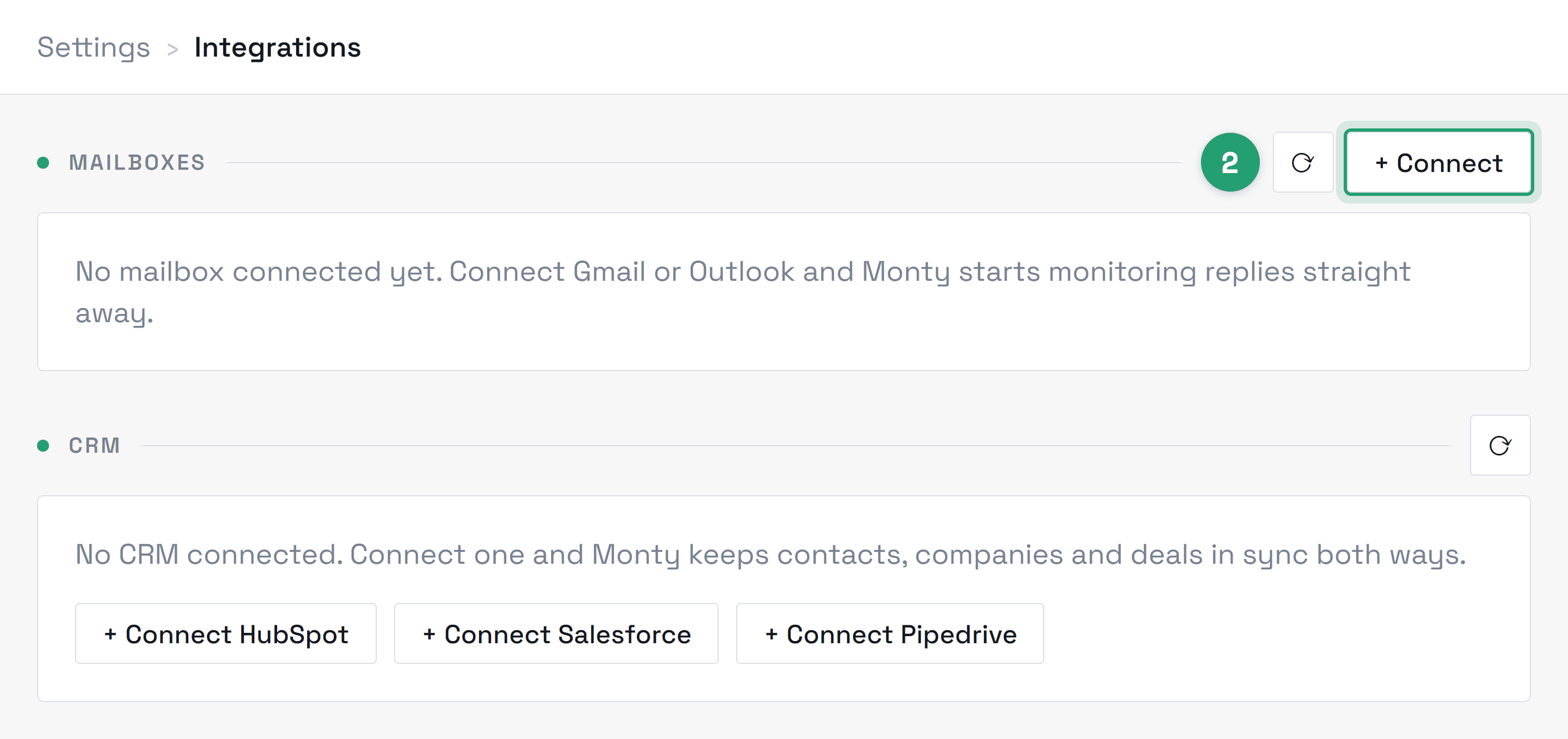
- 2Connect your mailbox from Settings → Integrations → Connect mailbox. It's a standard Google consent screen — no password is ever shared with us.
- 3Watch your Inbox: once your mailbox is linked and we've switched your workspace on, Monty starts drafting replies to incoming leads under “Drafts to approve”. We confirm that with you during onboarding.
Only if you explicitly turn that on. Every workspace starts in Assisted: Monty drafts, you approve, then it sends — nothing leaves without your click. Autopilot is opt-in per workspace and runs strictly inside the rules you set: sending hours, follow-up cadence, and guardrails on what can be said and to whom. You can flip back to Assisted at any time and it applies instantly.
Not yet, and you should know that before you connect a mailbox. Monty has not passed CASA (Cloud Application Security Assessment), the independent review Google requires of apps that use restricted Gmail scopes. We are pursuing it. Until it is granted, treat Monty as pre-certification software and connect Google mailboxes accordingly. This applies to Gmail and Google Workspace only — Outlook and Microsoft 365 mailboxes are unaffected. Everything described in the answers below is in place today regardless; what is outstanding is the independent audit of it, not the controls themselves. Monty is also in beta: features can change, and AI output can be wrong, so review anything before it reaches a contact.
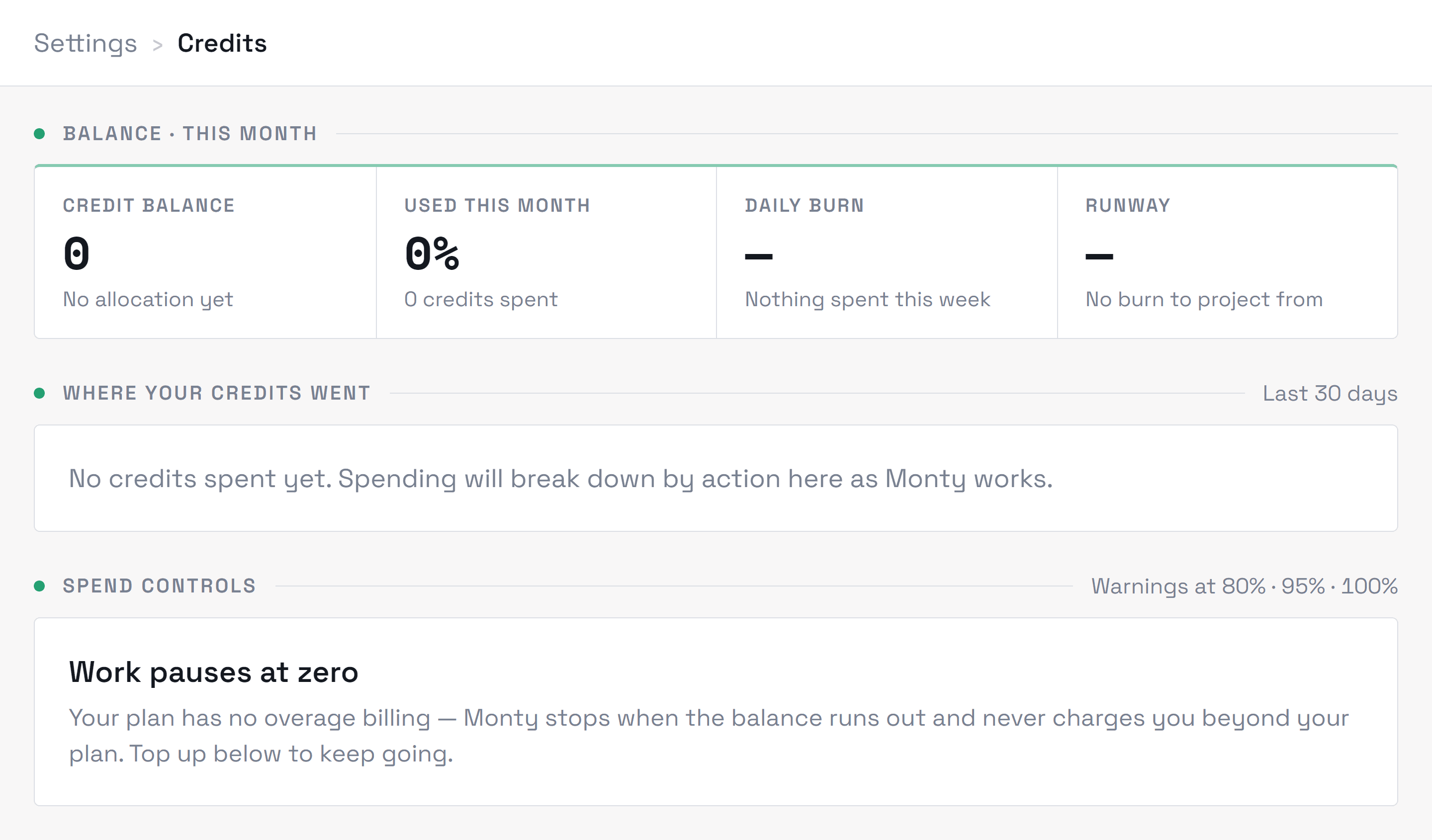
Credits are the unit of Monty's work: a draft costs 1 credit, a reply answered costs 3, a send on Autopilot costs 1, and planning a campaign costs 2. Qualifying and scoring a lead costs nothing, and teammates are included in your plan rather than billed per seat. Reviewing, editing, and approving drafts is free too — you're never charged to check Monty's work (asking Monty to rewrite a draft for you does use credits). The Credits page shows a running itemized breakdown so month-end is never a surprise.
Still need a hand?
Every message goes to Elliot. He usually replies within one business day.