How do I change or cancel my plan?
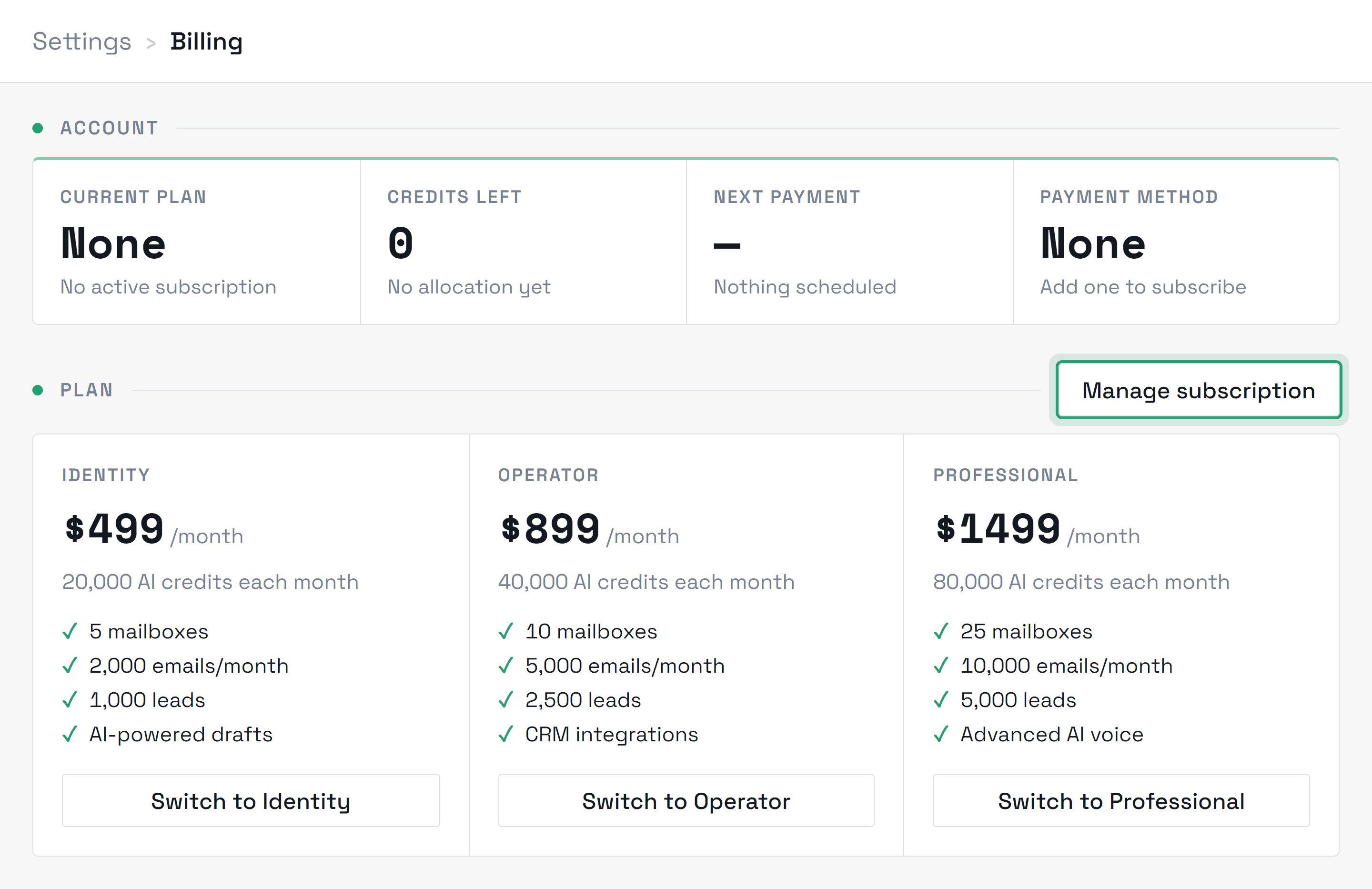
Plan changes are self-serve from the Billing page — they apply immediately and Stripe prorates the difference in either direction. To cancel, open Billing → Manage subscription (the secure Stripe billing portal) or email hello@montyai.co; cancelling stops the next charge, and your workspace stays readable so you can still export anything you need from Settings → Account. No calls, no retention flows — though if something drove you to cancel, we'd honestly like to know. If you are still inside your first 30 days, cancelling can come with your money back instead — see the money-back guarantee below.
RelatedHow billing works
Didn’t find what you needed?
Contact support