How do I set up Monty for the first time?
Setup takes about ten minutes end to end, and your workspace starts in Assisted — nothing sends until you approve it.
- 1Sign in and answer Monty's short setup conversation: what you sell and to whom, what makes a lead worth a meeting, and anything Monty should never say.
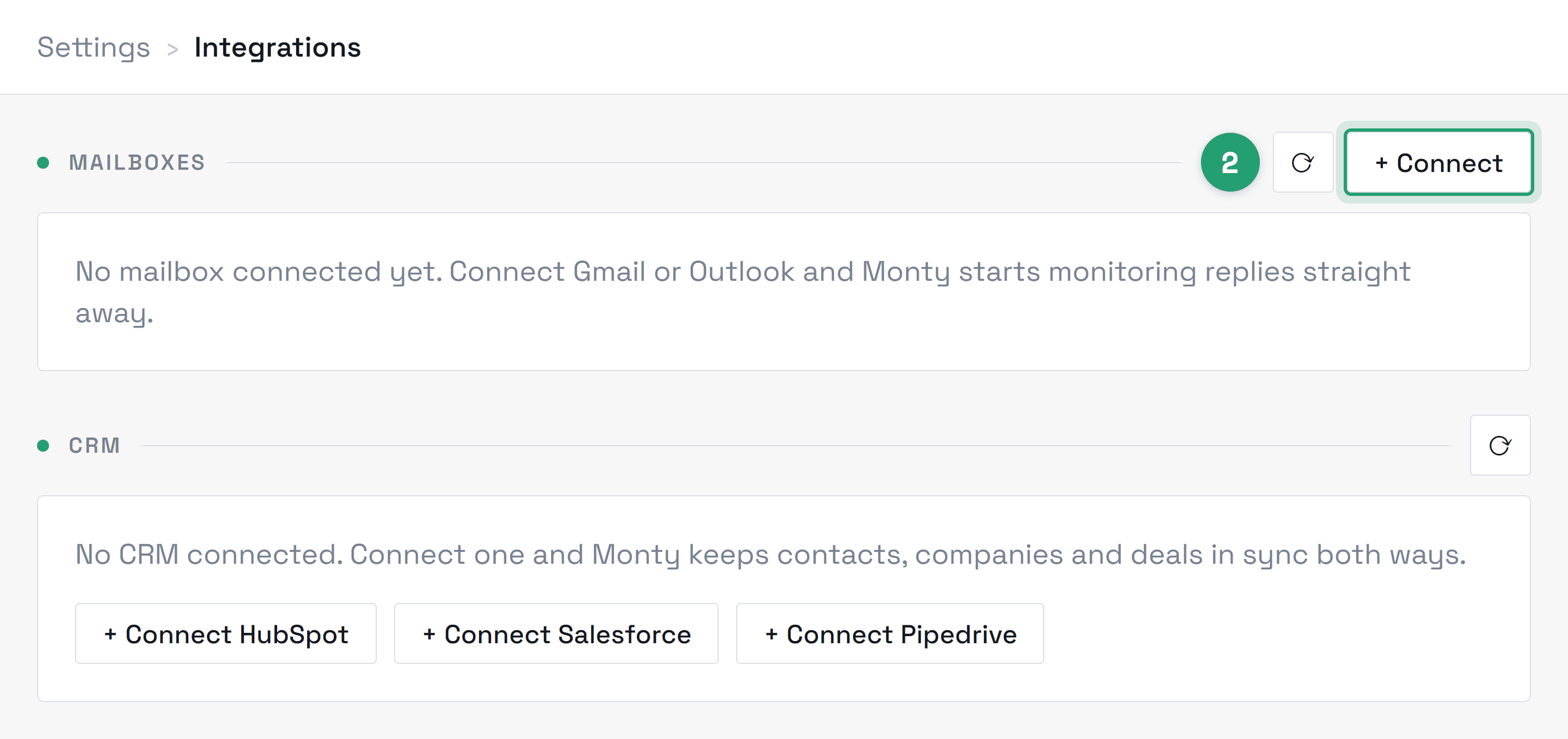
- 2Connect your mailbox from Settings → Integrations → Connect mailbox. It's a standard Google consent screen — no password is ever shared with us.
- 3Watch your Inbox: once your mailbox is linked and we've switched your workspace on, Monty starts drafting replies to incoming leads under “Drafts to approve”. We confirm that with you during onboarding.
Didn’t find what you needed?
Contact support